Casino Games
This article contains information about the casino games and sports betting solutions integrated in the EvenBet system. Even though EvenBet started as a poker platform, currently we can provide casino games integrated in the poker client application or support a casino website that provides only casino games and sports bets.
The casino profit is paid based on GGR (Gross Gambling Revenue). By default, there is no Backoffice report about the GGR but you can request the custom GGR report to be added to your system. You can request more information about the profit from the casino from your sales/account manager.
The Casino Games section of the Backoffice is used for the management of the casino games. There, the administrator can configure some of the casino games settings (such as the images, categories, prohibited games, etc.), though most of the setup is done by the EvenBet casino manager.
Terminology:
- Casino – a section in your poker application where the user can play the games developed by other providers. Casino is accessible through the main lobby of the app.
- Sportsbook – a section in your poker application where the user can make sports bets. Sportsbook is only accessible through the main lobby of the app.
- Provider – a third-party game/sportsbook vendor, whose games can be integrated into your application.
This is what the Casino tab looks like in the client application:
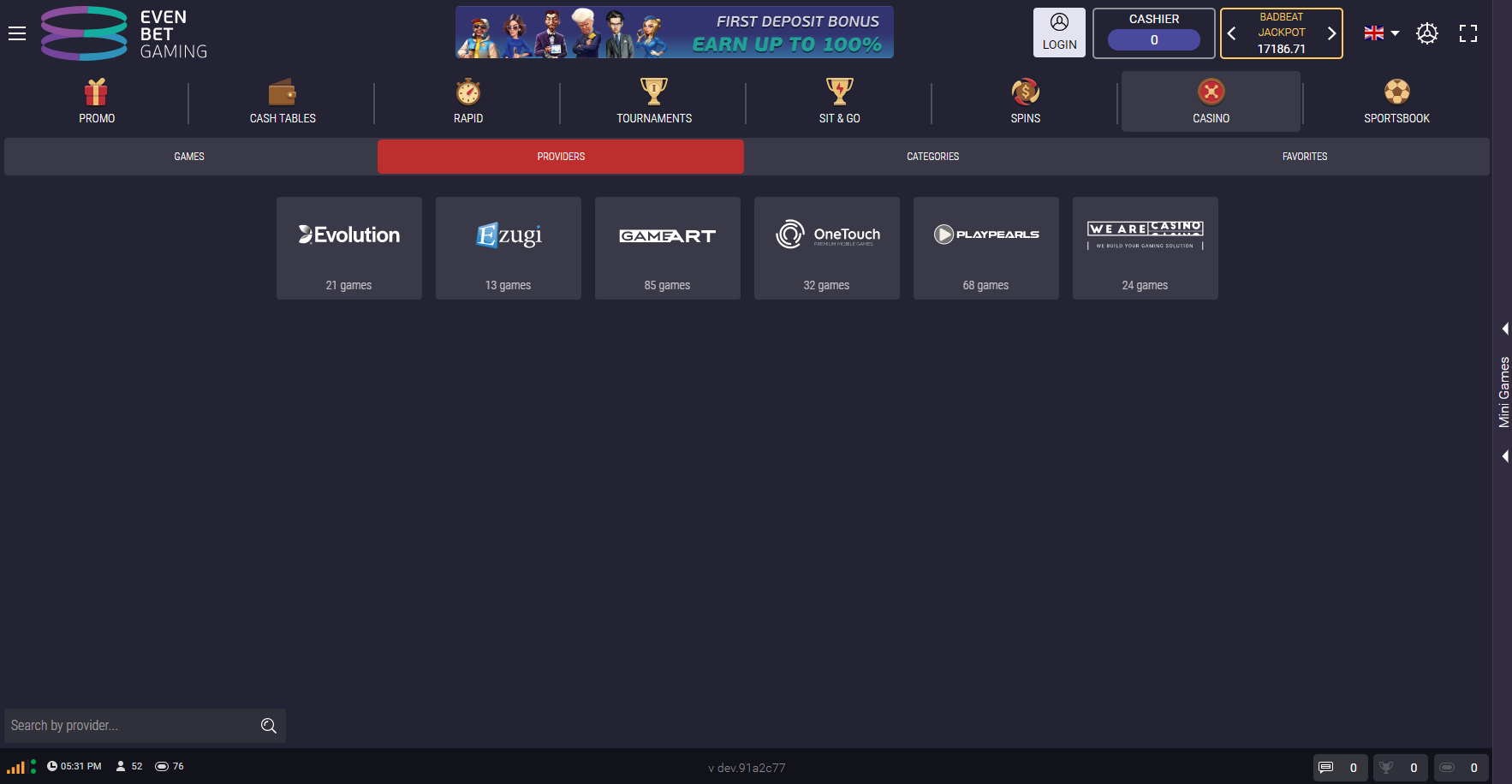
The user can choose a provider and see its integrated games or just view the games of all providers by switching to the Games tab:
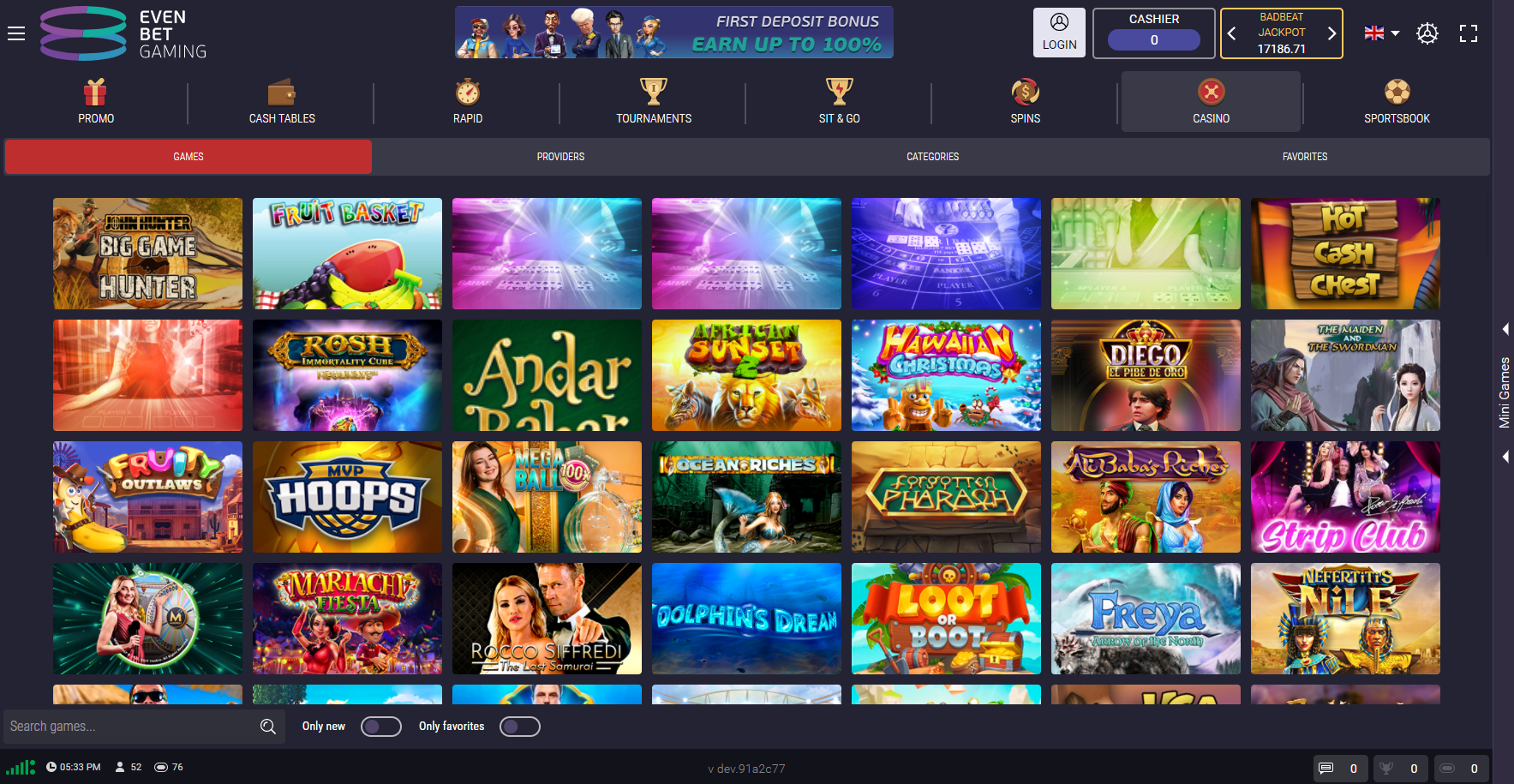
All games are also divided into the Categories for the players to choose from:
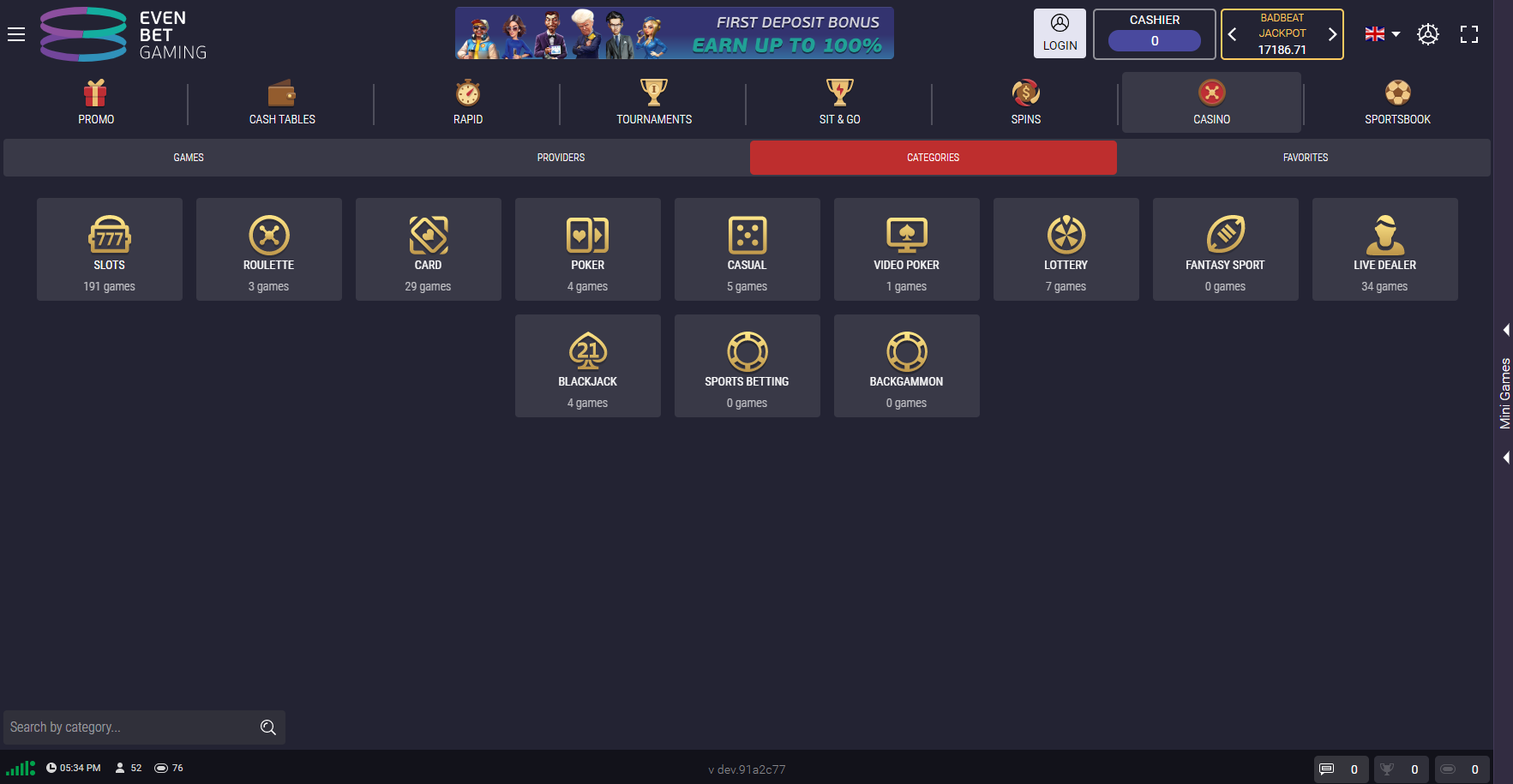
If a game has betting limits or the limit for the number of participants, it is shown when the user hovers the cursor over the game:
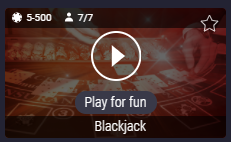
Each game can be added to Favorites if the user clicks the star at the upper right corner of the game icon. The Play for fun option launches the demo-version of the game, where the user can test the game with play money.
The players can navigate in the casino tab with the help of sub-tabs, search field and filters ‘Only new', ‘Only favorites' (these filters appear if the user chooses a provider or category).
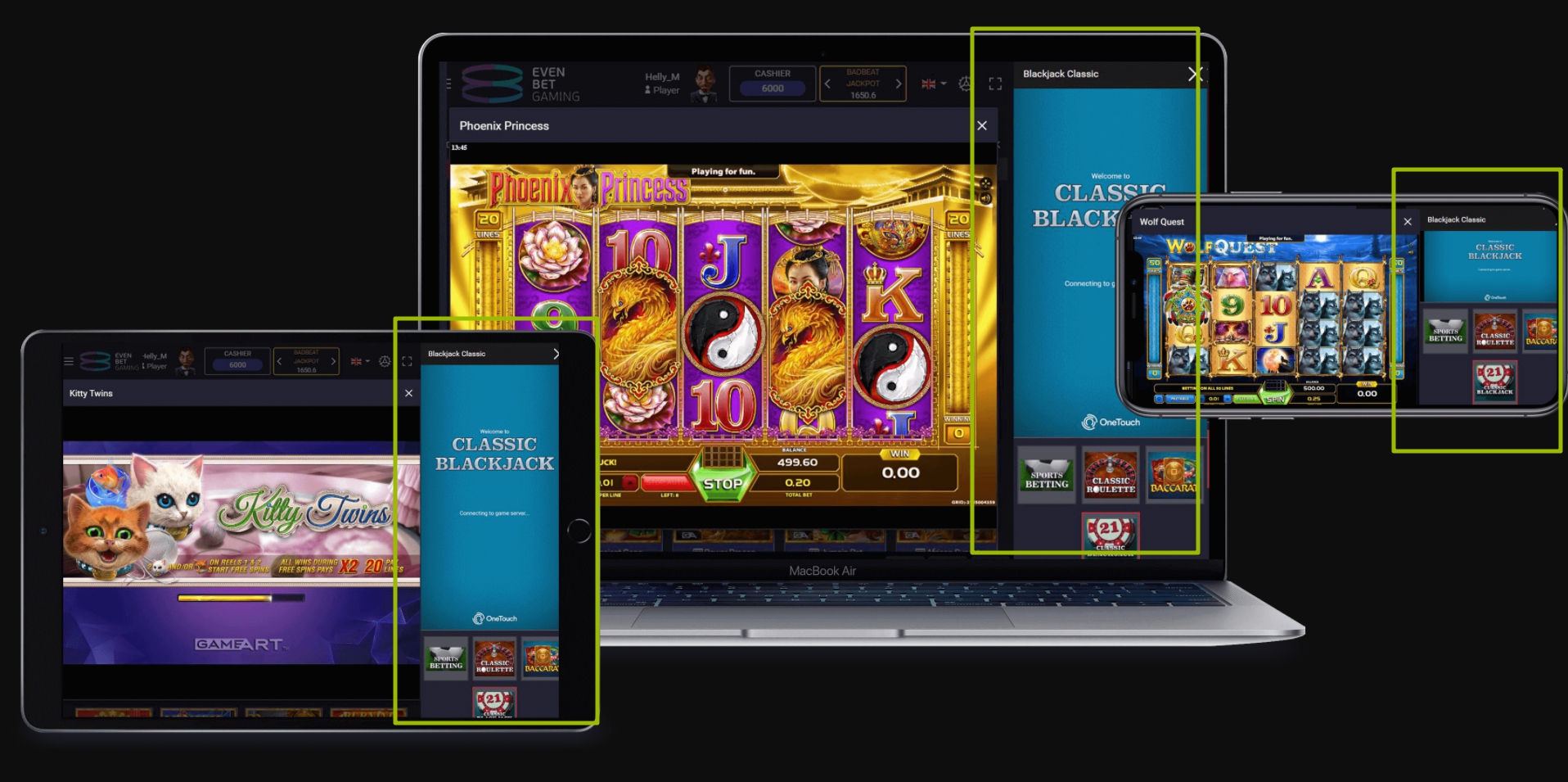
Some of the casino games can also be accessed through the Mini-games tab that is located at the right part of the screen on any page of the client application. Thus, the user can play them, for example, while waiting for his turn in poker. At the moment, the mini-games are provided by OneTouch only.
The new providers can only be added by the Evenbet casino manager, so, if you would like to add a new provider, change the betting limits or do some other adjustments to the casino system, please, contact your casino manager. The list of available providers can also be requested from the casino manager. If you do not have casino yet and would like to start the initial setup, you can contact your account manager instead.
The test users are different for the production and test environment. The credentials are given by the providers but not all of them have test users. You can ask your EvenBet casino manager to contact the provider regarding the test users.
The Backoffice section Casino Games consists of the following pages:
- Settings. On this page, the administrator can switch the casino into the Maintenance Mode and choose the users, for whom the section should be displayed in the application during the maintenance mode.
- Provider List. Here, the administrator can manage visibility of the providers' games and change providers' settings. Note: Most of the settings on this page are configured by the casino manager.
- Category List. On this page, the administrator can configure categories' names and their order.
- Games List. Here, the games can be activated or deactivated, and you can also configure their individual setup, such as poster image, category of the game or the order of games in the lobby.
- Add FreeSpin Package. On this page, the administrator can create new freespin packages. FreeSpin is a casino ‘ticket': the player can use a freespin to make a bet in certain casino games.
- FreeSpin Package List. This is the list of all freespin package templates that exist in the system.
- Player FreeSpin Package List. This is the list of all freespin packages received by the players.